
AI
An AI recruiter on every desk.
AI is used in forty-four places in the app, not just in a chat box. Every call goes through one gateway where it is logged and costed, and the assistant has sixteen tools that work on your real data and run your real rules.
Book a 20-minute demo
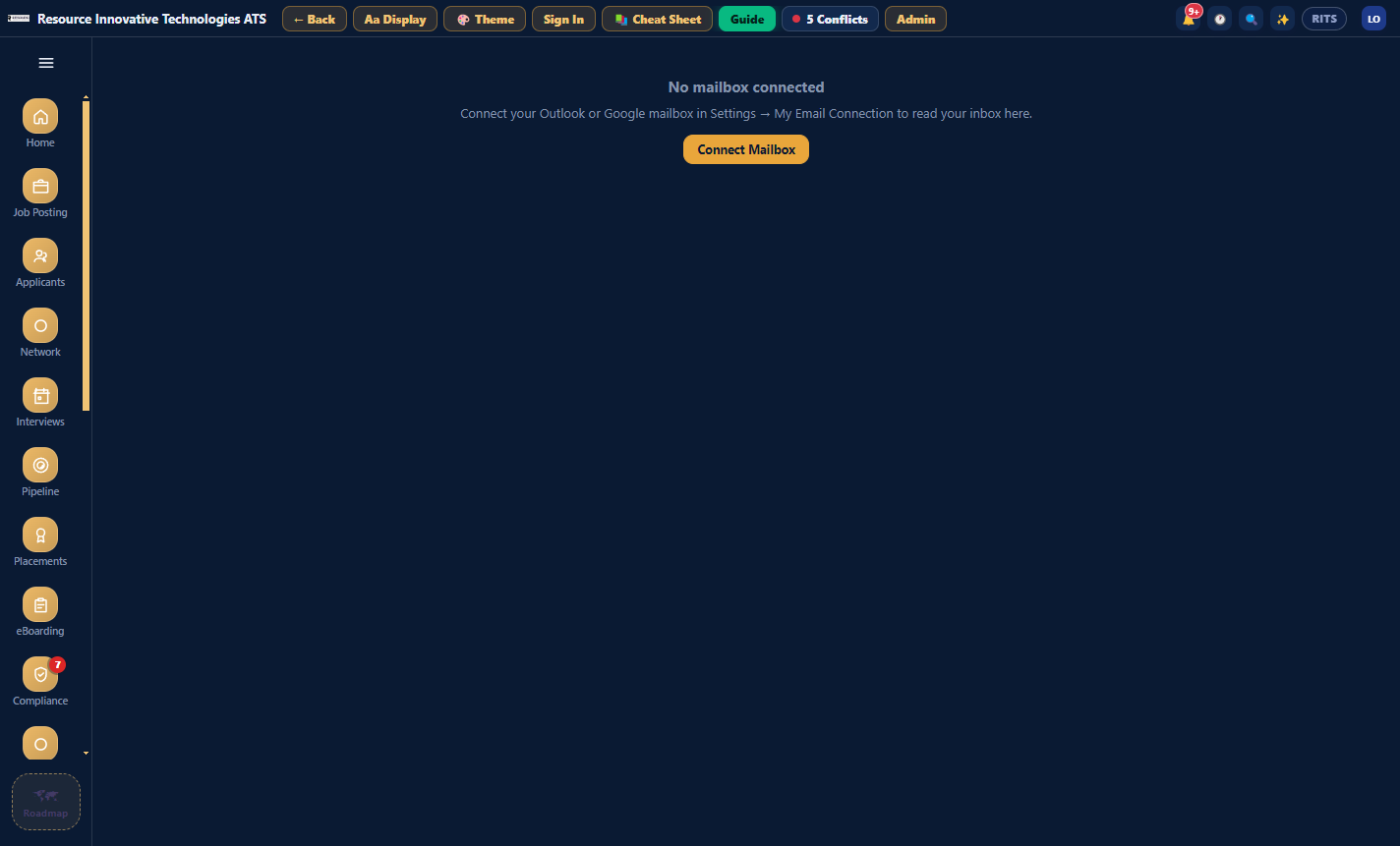
01 · Inbox, Review AI drafts
Your mailbox is checked every fifteen minutes.
Anything that looks like a JD is classified and added to Review AI drafts. You can also paste a JD or drop in a .docx and get the fields back. Nothing becomes a requisition until someone presses Accept. Mail is linked to the req, candidate or vendor, so the Communications tab fills in by itself.
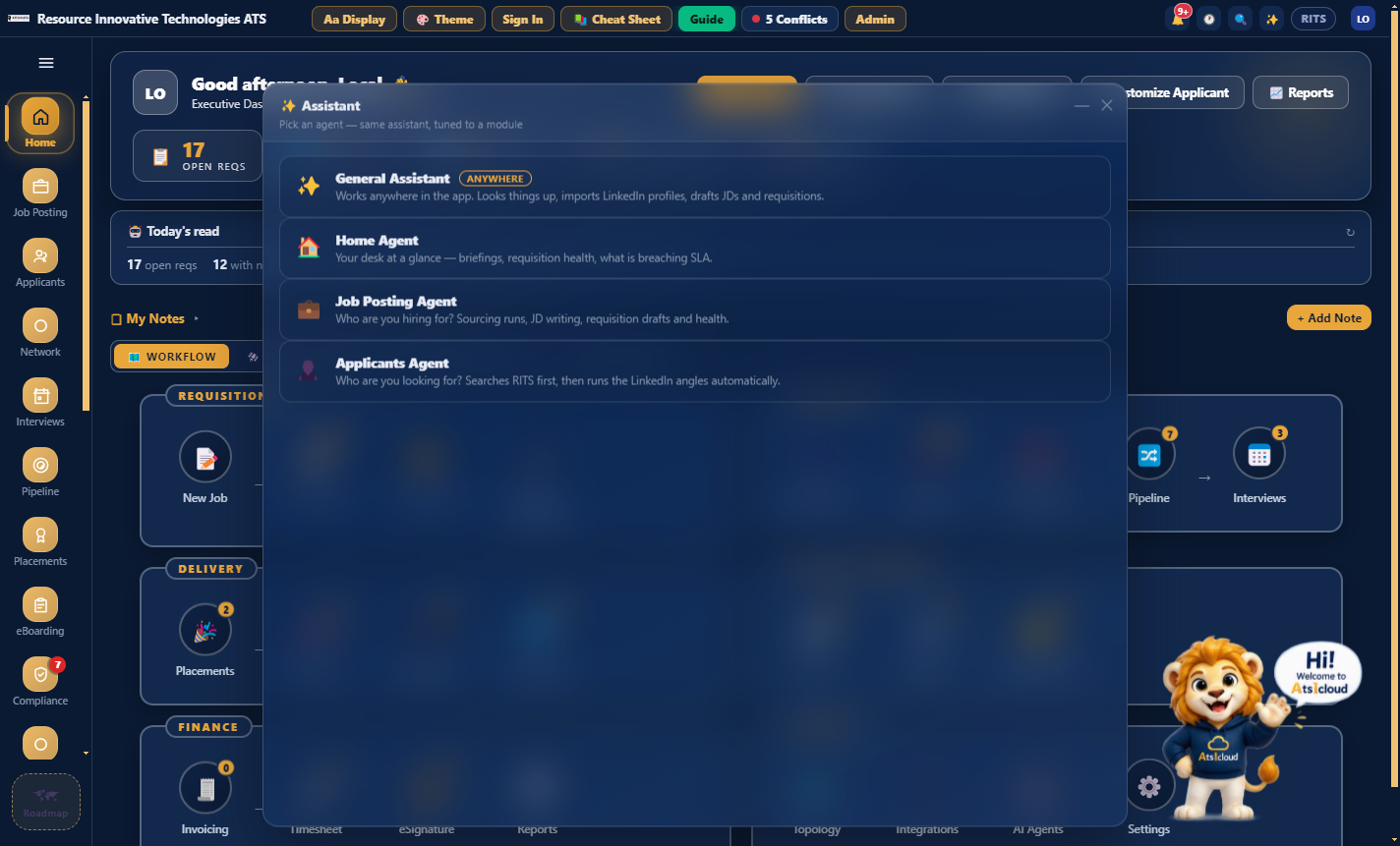
02 · The Assistant and its sixteen tools
It works on your data, not just about it.
Sixteen tools over your live database: list_requisitions, find_candidates, check_submission, get_req_health, build_roadmap and the rest. Four agents share them, each tuned to the module you are in. Answers include atsicloud:// links that open the right screen and highlight the control.
03 · get_req_health, then find_candidates and check_submission
It can say no, and tell you why.
Ask "can I submit this candidate to RITS-September-1003?" and it runs the real submission rules, then gives you the reason and the alternative. Ask "how do I assign an applicant?" and it answers from the app's own Cheat Sheet, so the steps match the buttons on your screen.
04 · Admin, AI & Agents, AI Gateway
One gateway for every call.
If a provider returns an auth error, hits a rate limit or times out, the call moves to the next provider instead of failing. AI Subscriptions lets you sign in to Claude, ChatGPT or Grok, so there is no API key to leak or rotate. The Playground lets you test a provider, and the Request Log shows every call, who made it and what for.
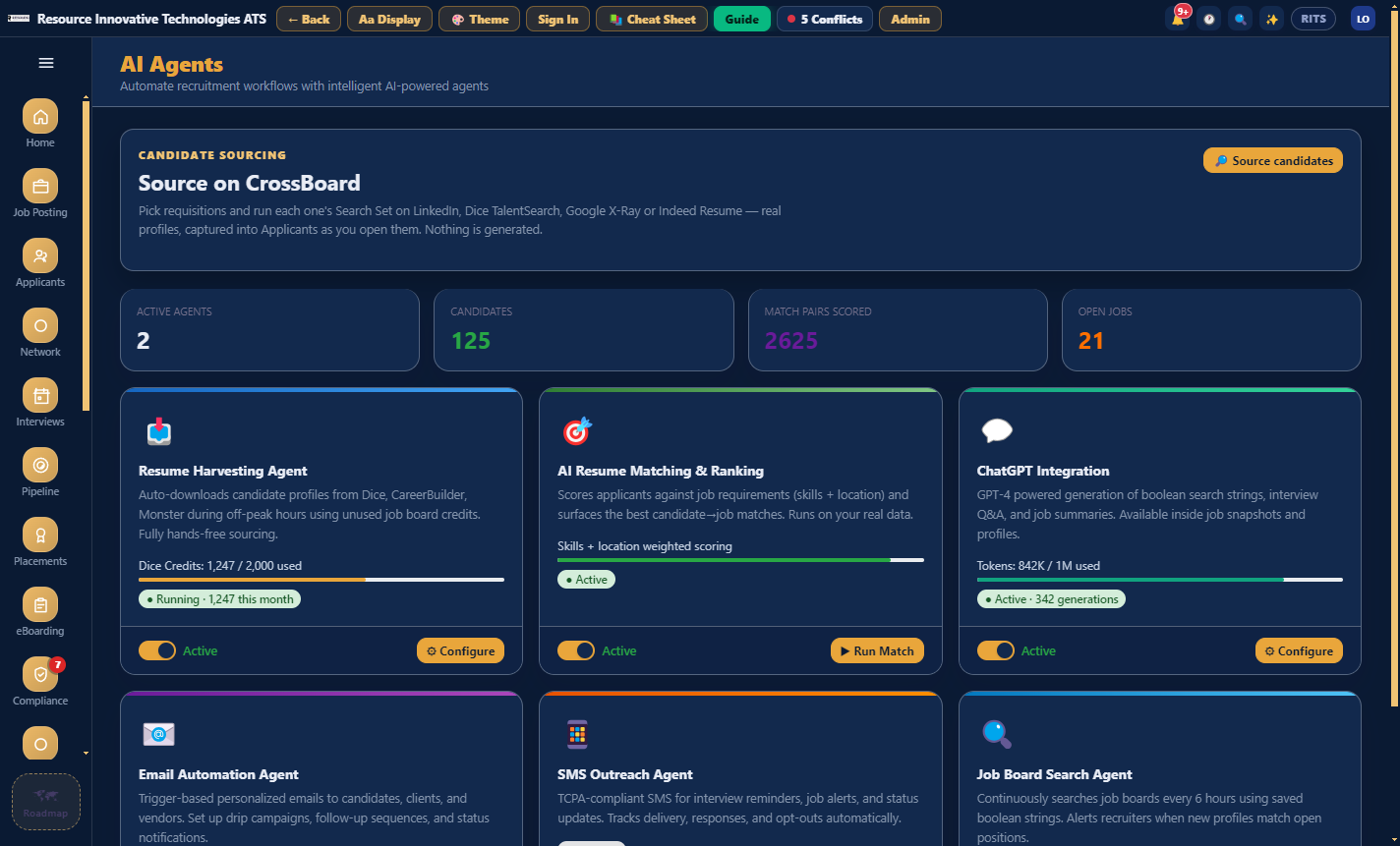
Where the AI is used
AI in forty-four places, not one chat box.
Every AI call in the app is tagged with its purpose. They fall into six groups.
11
Writing
JDs, board posts, screening and interview questions
9
Sourcing
Boolean sets, roadmaps, re-ranking, calibration
7
Reading people
Resumes, LinkedIn exports, fit, summaries
5
Outreach
Drafts and sequences, to vendors and candidates
9
Reading the business
Digests, insights, books, reports
3
The machinery
Gateway, Playground, Assistant
The sixteen tools
- list_requisitions
- get_requisition
- find_candidates
- check_submission
- get_submission_rules
- get_req_health
- find_profiles
- import_profiles
- share_boolean_string
- set_job_description
- create_requisition
- get_roadmap
- build_roadmap
- describe_data
- list_records
- how_to
Ask it something real
It runs the rule instead of looking it up.
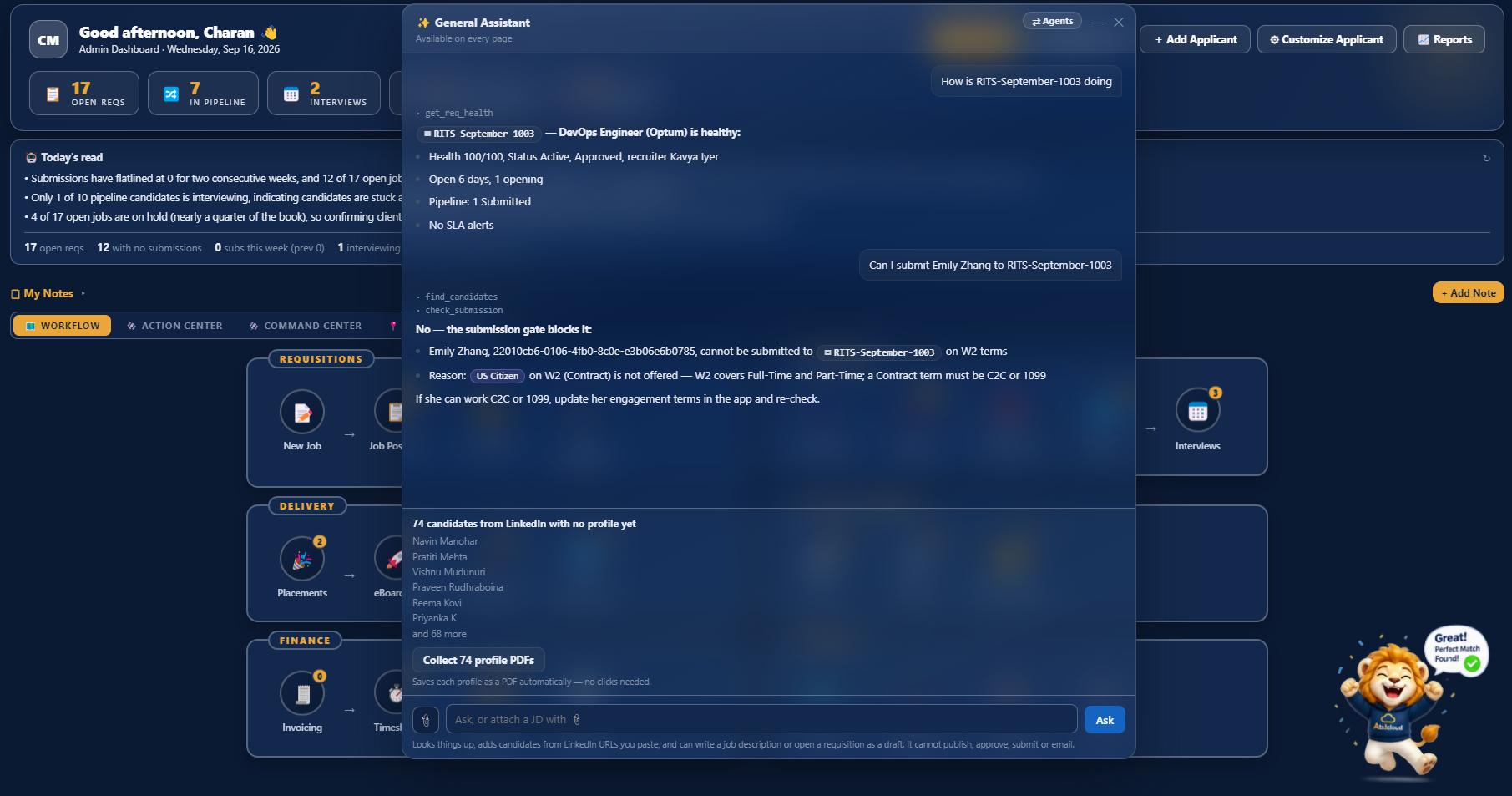
"Can I submit Sandhya Sadineni to RITS-September-1003?"
NOT clear to submit
This candidate cannot be submitted to RITS-September-1003 on W2 terms. US Citizen on W2 (Contract): Not offered. W2 covers Full-Time and Part-Time; a Contract term is C2C or 1099.
refused at the "terms" check
"How is RITS-September-1003 doing?"
Health 100/100, healthy
DevOps Engineer (OPTUM). Active, open 6 days, 1 opening. Pipeline: Submitted 1. No SLA alerts on this requisition.
get_req_health
Both questions were asked of a live database, and these are the answers it gave. The first one runs the submission rule and names the alternative, C2C or 1099, instead of just saying no.
What it will not do
Some things it will not do, on purpose.
It will not make up a button
The assistant answers from the app's Cheat Sheet, so its instructions match what is on your screen.
It will not create anything on its own
A JD picked up from email becomes a draft. It only becomes a requisition when someone presses Accept.
It will not spend money without asking
Reading is free. Building a roadmap or re-ranking asks first, and Compare shows the cost per file before it reads anything.
It will not make up a date
The resume prompt is told to use the date as written on the file, or leave it empty. A wrong date is worse than a blank one.
It will not overwrite what you typed
A correction typed by a recruiter always wins over the parser. The AI fills blanks. It does not replace your entries.
It does not pretend about job boards
Job board publishing, VMS reqs and board resume harvesting are simulations today, and the screens say so. LinkedIn is the live board.
In detail
What is in this module.
What it writes
- A requisition from a JD, whether pasted, dropped in, scanned or picked up from email
- The boolean Search Set: seven strings with a reason for each
- The sourcing Roadmap: 14 steps, with the kickoff brief pre-filled
- Outreach: a single draft, or a sequence that stops when someone replies
- The submission summary and the client email that goes with it
What it reads
- Resumes, including the employers and dates the regex parser misses
- Fit: the match score and the reasons behind it
- Your numbers: Today's read, and Key takeaways on every insights panel
- Your notes, checked for age-related wording before they save
- Your candidate verdicts, so the next Search Set learns from what you rejected
Works with
- Claude
- ChatGPT
- Grok
- Gmail
- Outlook

Twenty minutes, no slides
See your own reqs in it.
Bring a job description and a vendor list to the demo and we will set them up live while you watch.
Book a 20-minute demo