
Reports
The reports you need for the Monday meeting.
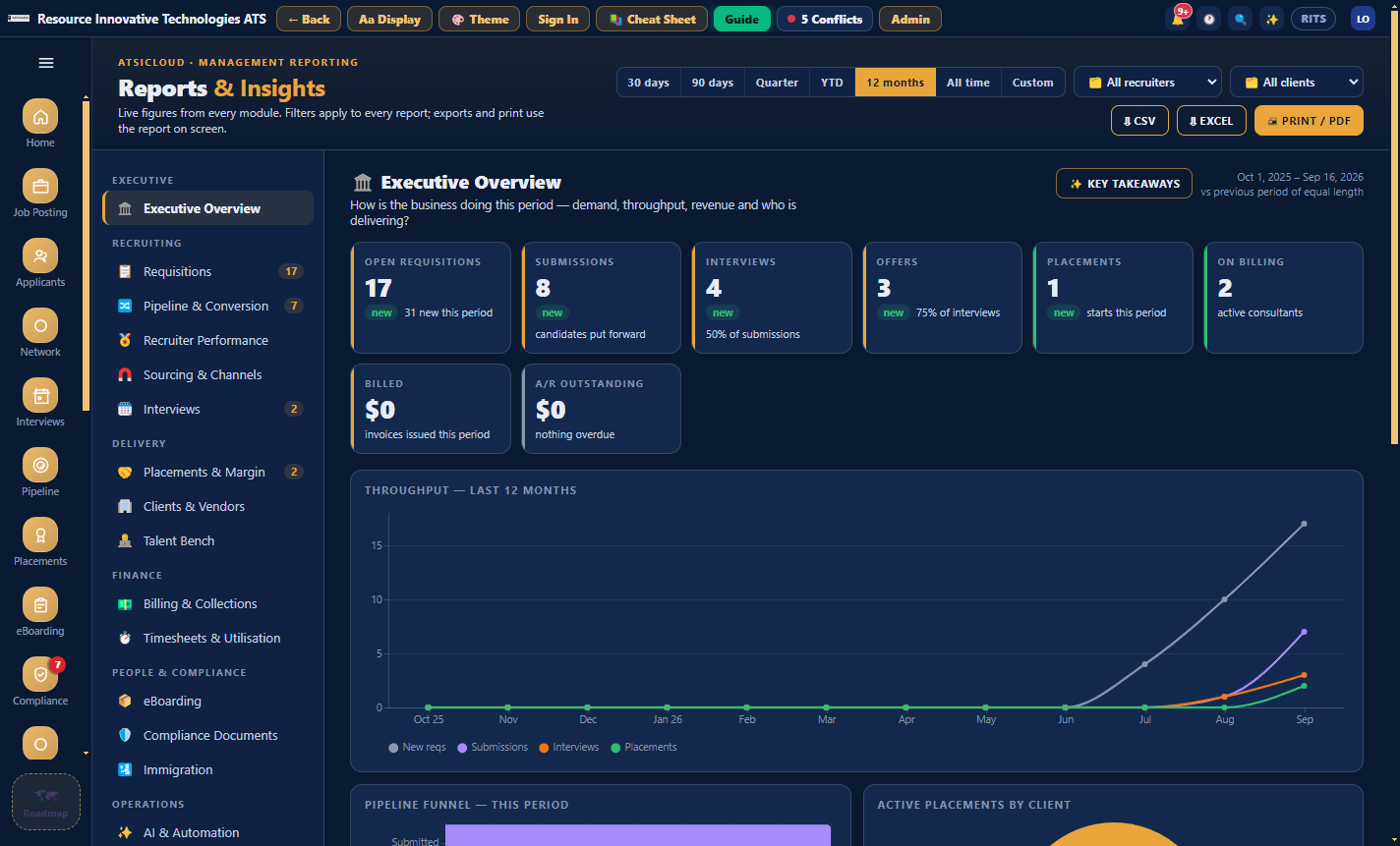
Time-to-fill, recruiter conversion and source effectiveness, plus an insights panel on almost every module with Key takeaways written from the numbers. Everything exports to CSV, Excel and PDF.
Book a 20-minute demo
01 · Home, Today's read
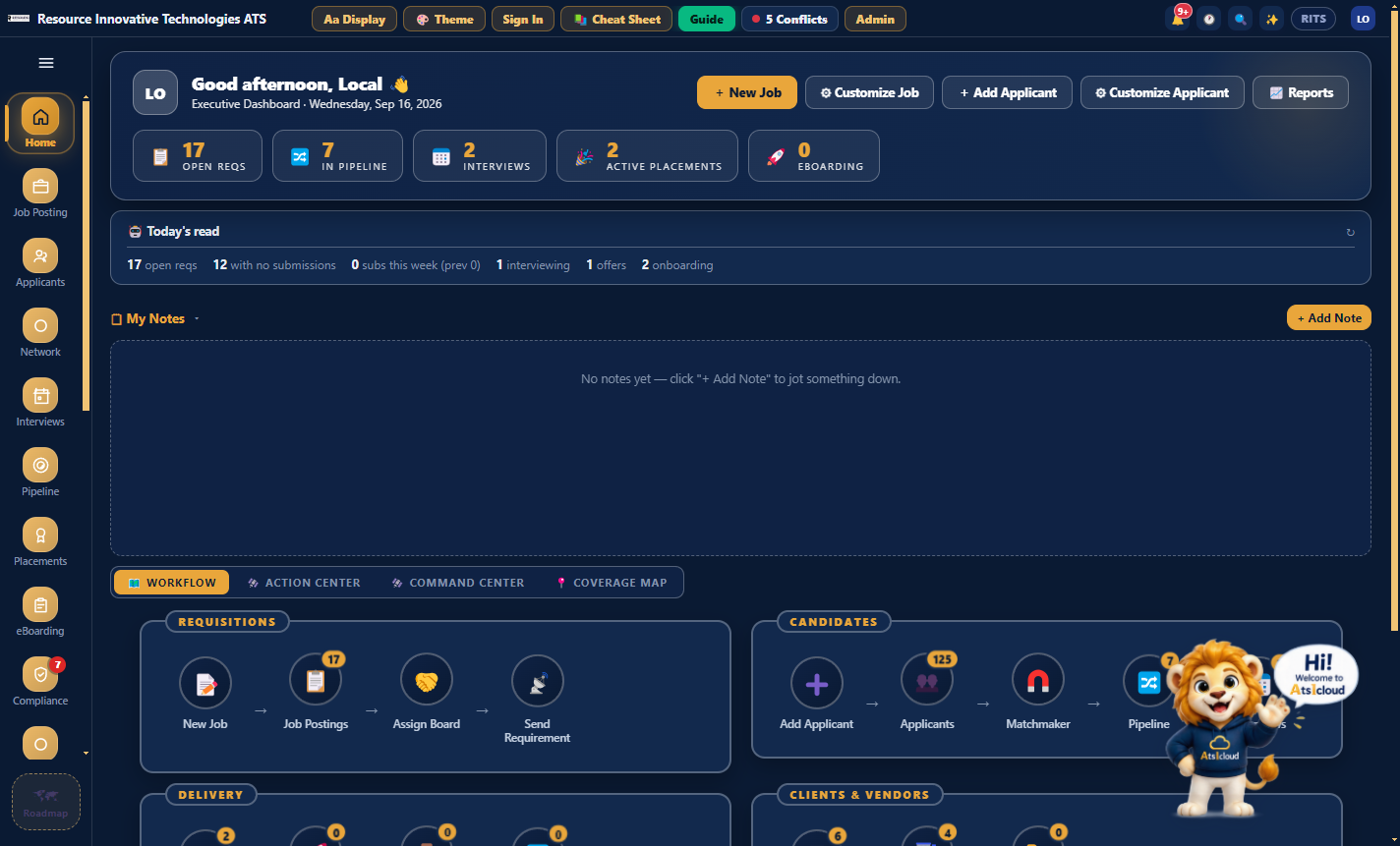
Two or three lines written from the live numbers.
Home puts the whole desk on one screen. Today's read is written from the current figures, not from a template, and it will name the requisition that has gone quiet. Behind it are four views: Command Center, Action Center, Workflow and Coverage Map.
02 · Home, Coverage Map
Your open roles and your own people, on one map.
Coverage Map puts every open requisition on the city it is for and shades each state by how many candidates you already have there. The circle grows with the openings and changes colour when nobody has been submitted yet. Filter by client, work authorisation or stage and it redraws.
03 · Home, Command Center
Every counter on one screen, and what they add up to.
Command Center is the first of the four views. Active jobs, the pool, who is in a pipeline and what the month has done, then a conversion funnel that only shows a percentage where the comparison means something. Under it, two or three lines written from those numbers and one action for the week.
Command Center
Full organization view, Job Posting through to Placement
Right now
Active jobs
31
2 critical priority
Applicants
149
Total candidate pool
In pipeline
7
Matched to a job
This month
Submitted
7
sent to clients
Interviewing
2
reached interview
Offers out
2
awaiting a decision
Placements
1
started this month
Conversion funnel
Where this range's submissions went. A percentage only where the word means something.
- In pipelinethe pool being worked
- Submitted100% of in pipeline
- Interviewing29% of submitted
- Offer stage100% of interviewing
- Placed50% of offer stage
29%
Submit to interview
7d
Submit to place
$14
Margin per hour
Executive takeaways
- The weak step is submitted to interviewing. Two of seven went forward. Everything after that holds up, so the problem is what you are sending, not what happens next.
- 22 of the 31 open roles have had nothing submitted this month. That is coverage, not candidate quality, and it is the bigger hole.
- There are 149 people in the pool and 7 in a pipeline. Plenty of the database is not being matched to anything.
- Next: triage the 22 quiet reqs this week. Close the dead ones, and source the rest from the pool you already have. At seven days from submit to place, this month can still finish well.
Stalest requisitions
Days since anything at all happened on the req.
- RITS-September-1014 · Mainframe COBOL DeveloperMainframe COBOL Developer57d
- RITS-September-1015 · Oracle EBS FunctionalOracle EBS Functional51d
- RITS-September-1020 · Power BI DeveloperPower BI Developer34d
- RITS-September-1018 · iOS DeveloperiOS Developer30d
- RITS-September-1017 · Golang Backend EngineerGolang Backend Engineer28d
- RITS-September-1019 · Informatica MDM ArchitectInformatica MDM Architect26d
- RITS-September-1013 · Scrum MasterScrum Master23d
- RITS-September-1012 · Network EngineerNetwork Engineer21d
04 · Reports and Insights
Takeaways from the numbers, with a next step.
Open Pool Insights from Applicants and press Key takeaways. It makes one AI call and caches the result, so reopening the panel costs nothing. The time-to-fill, recruiter conversion and source effectiveness reports export to CSV, Excel and PDF.
05 · Network: Clients, Vendors and Bench
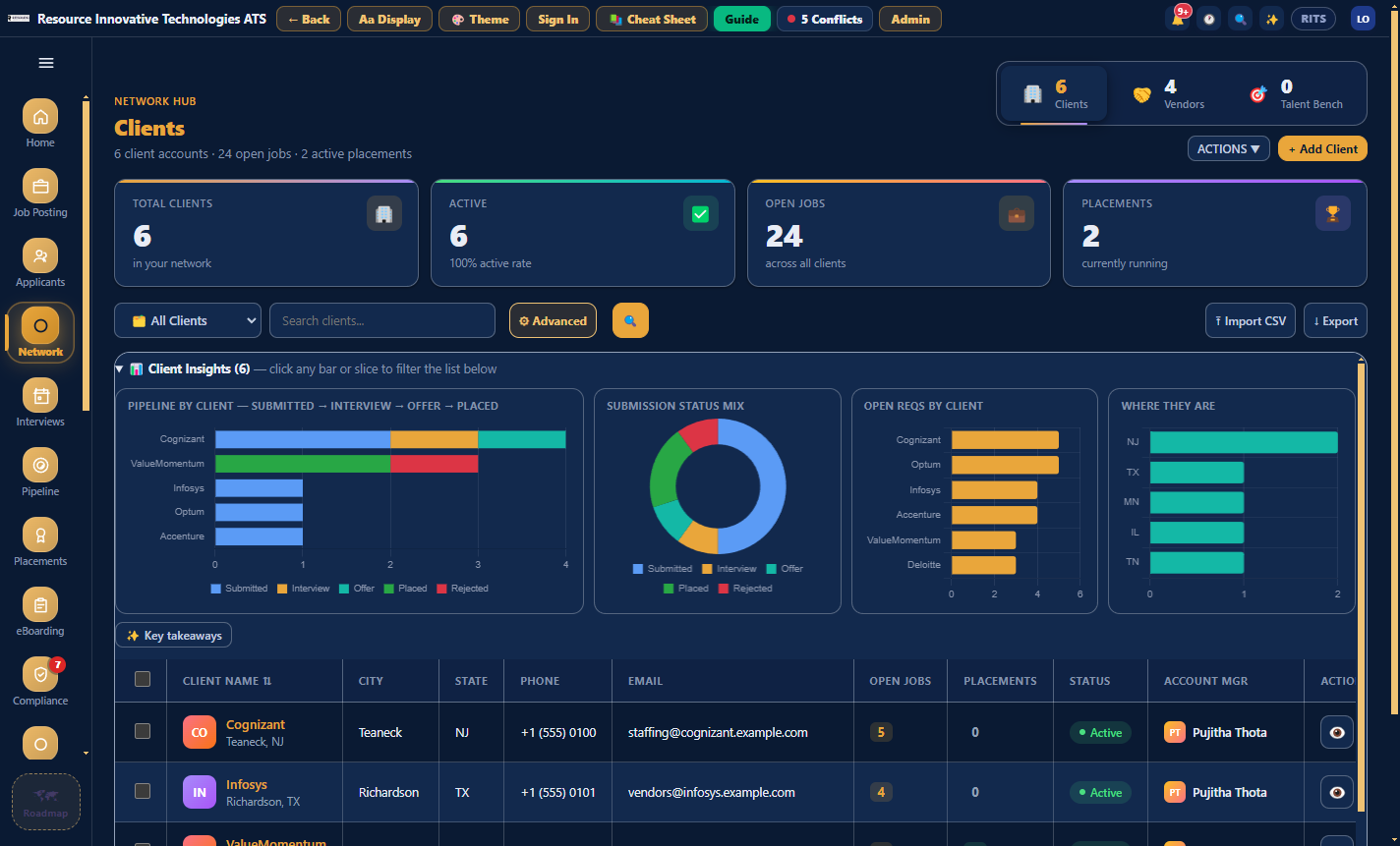
Clients, vendors and the bench, each with its own insights.
Network holds the other side of the desk. If a consultant's vendor record is not linked, their profile shows a flag, because the MSA and W-9 cannot be reused without it. Vendor documents are collected once and cover every consultant from that vendor.
In detail
What is in this module.
The reports
- Time-to-fill, recruiter conversion and source effectiveness
- Pipeline Insights: time in stage, pipeline by recruiter, source mix
- Command Center: live counters, conversion funnel and written takeaways
- Coverage Map: open requisitions and your candidate pool on a US map
- Placements and margin distribution
- AR Aging, Collections and Analytics from Invoicing
Working with them
- An insights panel on almost every module
- Key takeaways, one cached call each
- Filters by period, recruiter and client
- Export to CSV, Excel and PDF
Works with
- Claude
- QuickBooks

Twenty minutes, no slides
See your own reqs in it.
Bring a job description and a vendor list to the demo and we will set them up live while you watch.
Book a 20-minute demo