
Network Hub
Your whole network on one screen.
Clients, vendors and your bench in one place. Send a requirement to the vendors who cover that kind of role and see who came back.
Network Hub
Clients
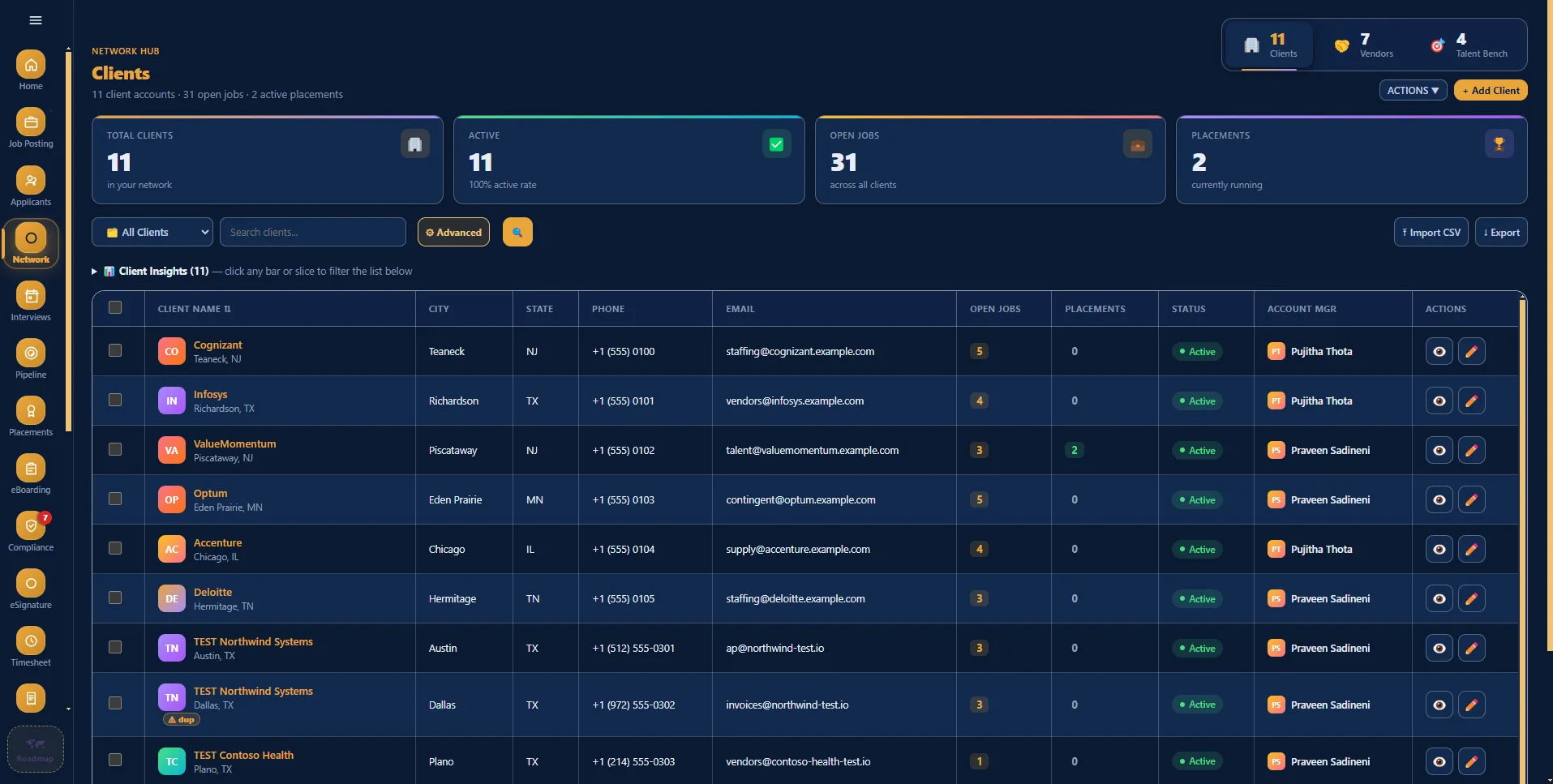
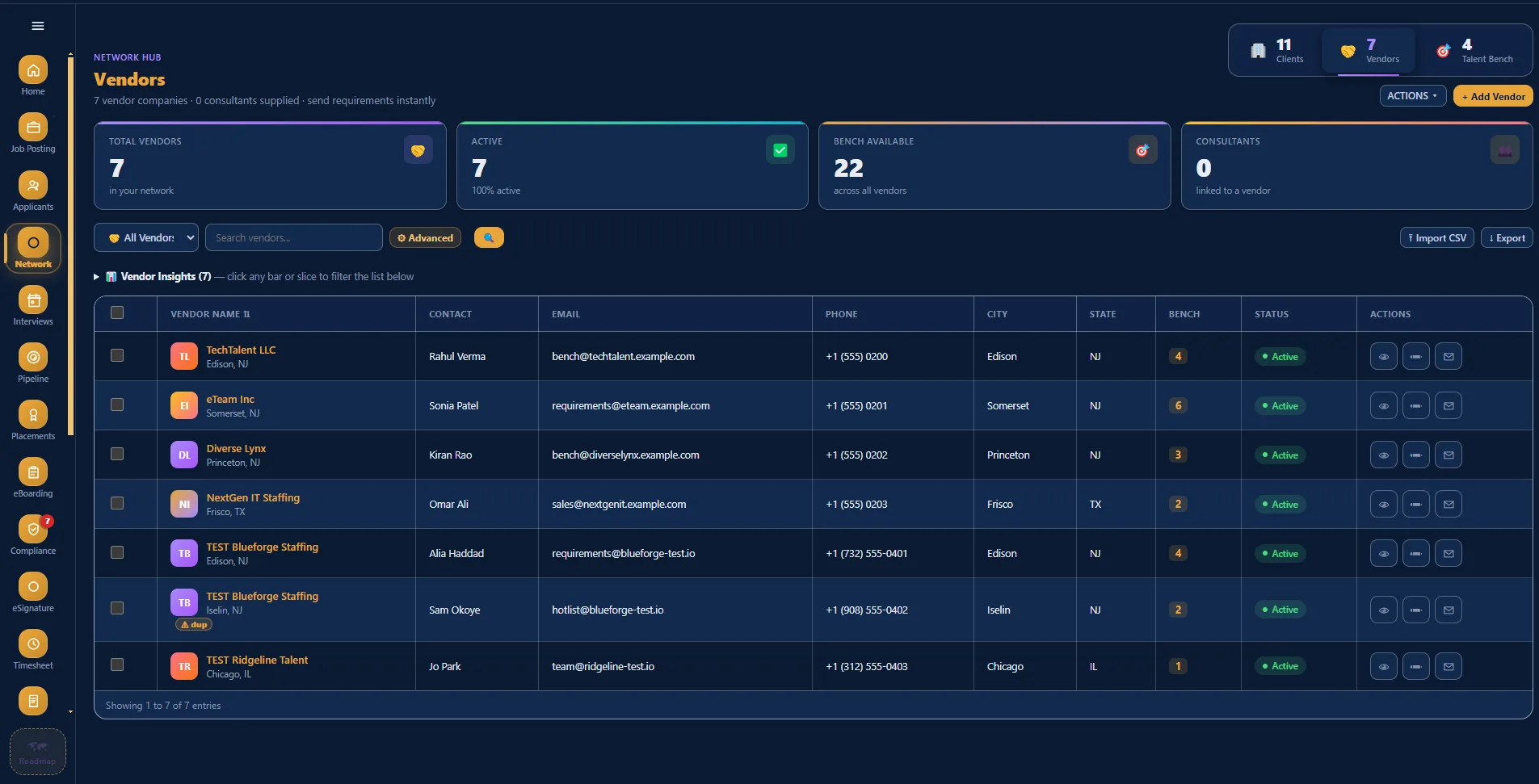
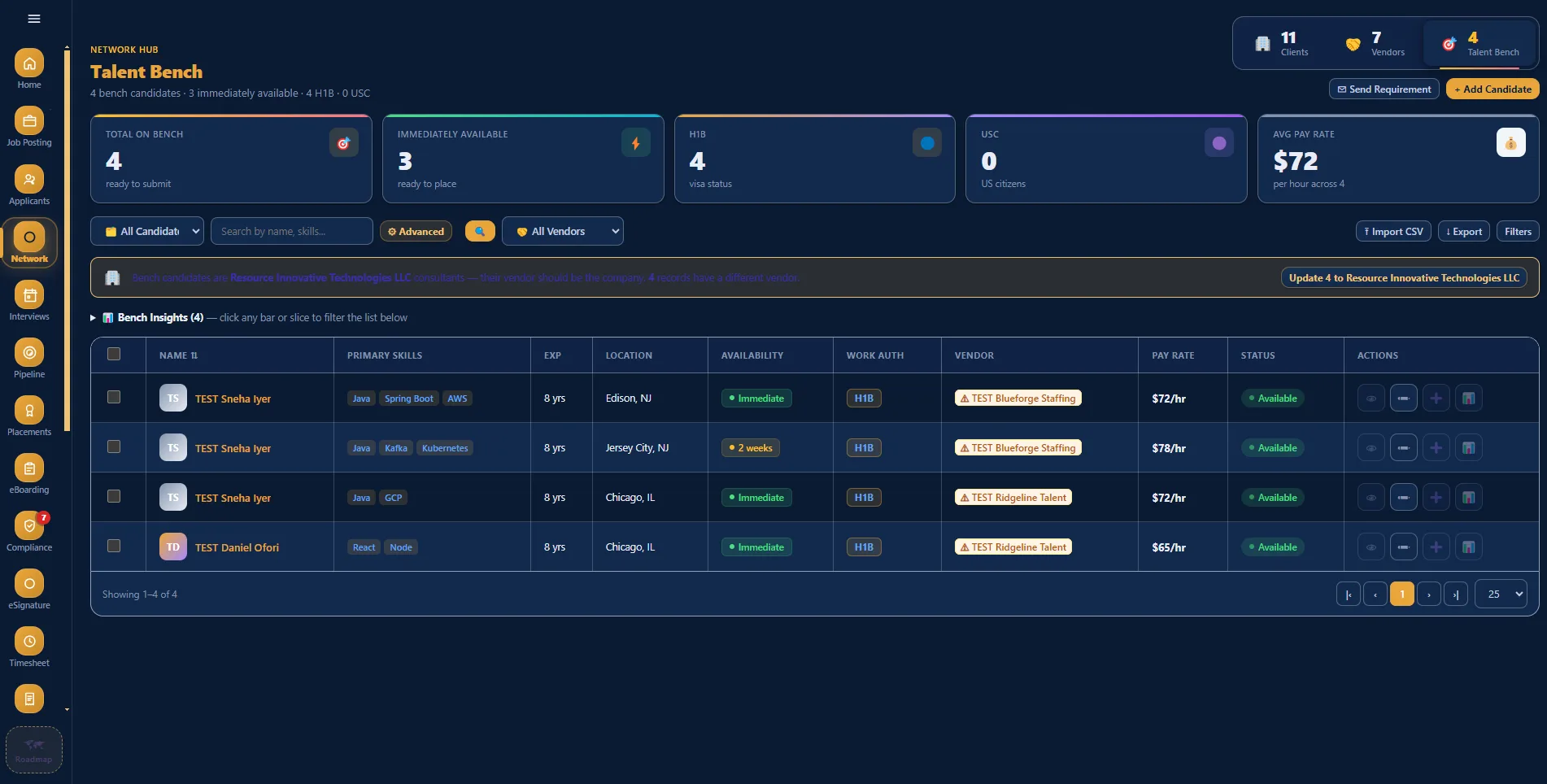
Client accounts, the jobs open on each and who runs the account.
Contracts, contacts, rate cards and the MSA sit on the account. Client Insights above the list turns into a filter: click a bar and the table below shows only those accounts.
Three tabs, one set of records. Press a tab to switch the list.
Three lists that work together
Clients
Contracts, contacts, rate cards and MSAs, with an insights panel showing which accounts are actually producing work.
Vendors
Your vendor list with a history of what each one has covered, so a requirement goes to the vendors who fill roles like it.
Talent bench
Consultants who are available now, kept visible and ready for the next hotlist.

Twenty minutes, no slides
See your own reqs in it.
Bring a job description and a vendor list to the demo and we will set them up live while you watch.
Book a 20-minute demo